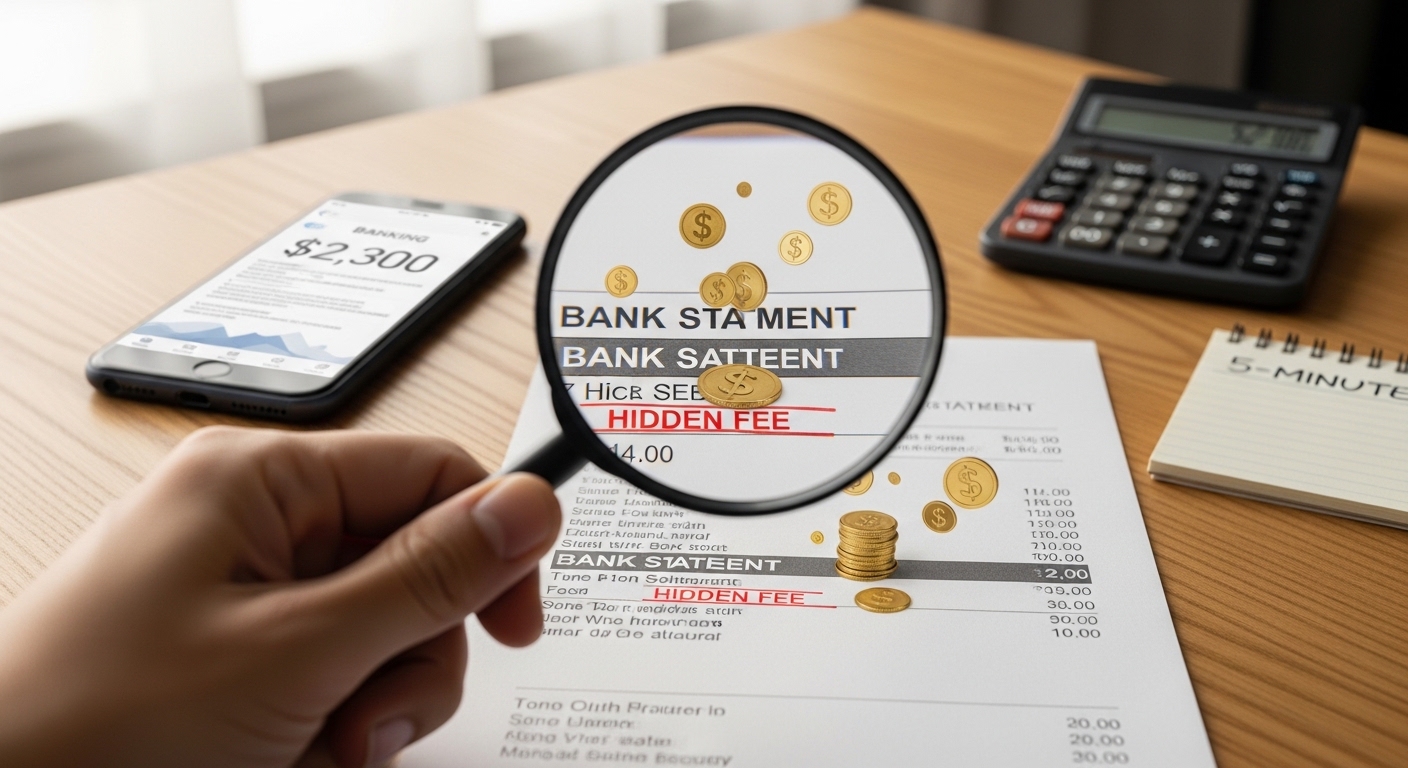





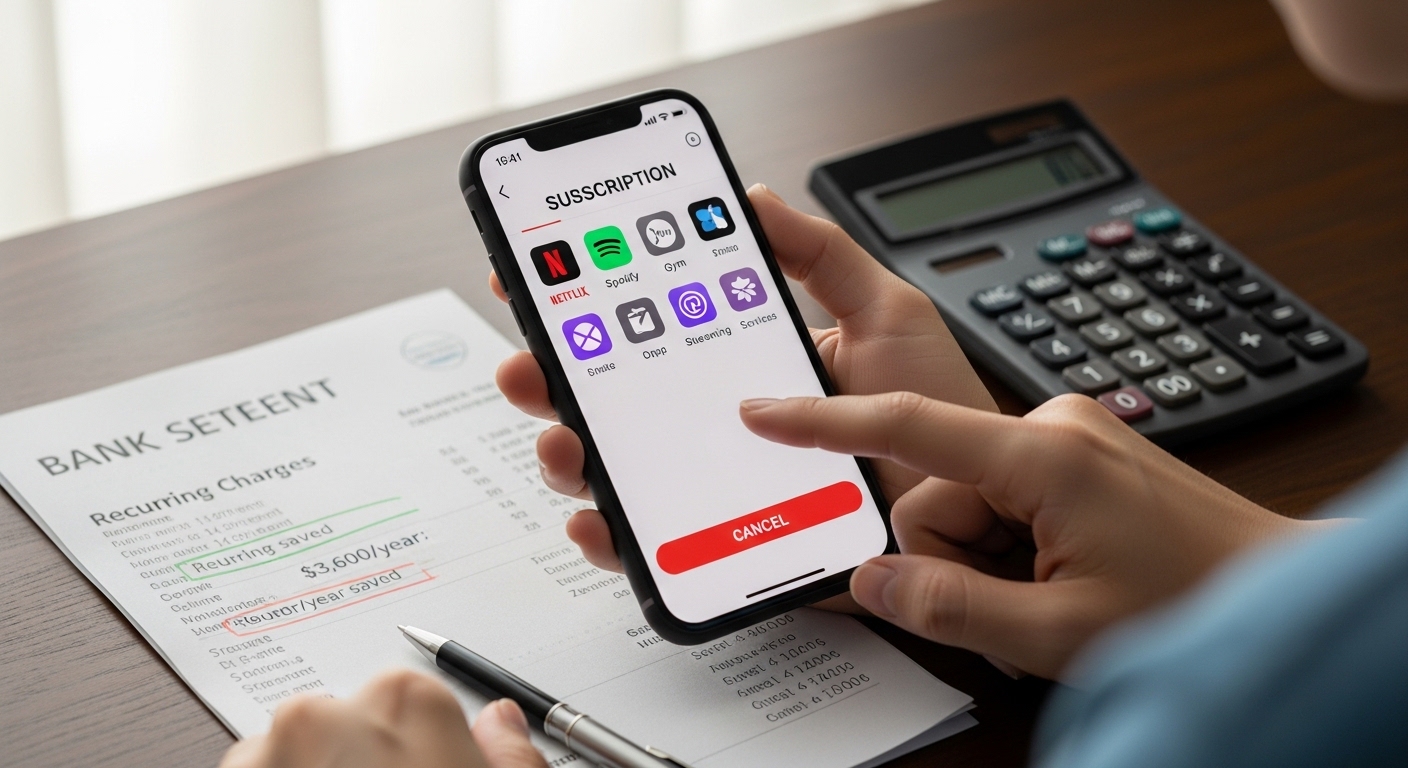
Last week, I discovered something shocking: I was paying for Netflix, Hulu, AND Disney+ – but I only watched one show a month. That’s $45 down the drain. Then I found a £12 gym membership I hadn’t used in 8 months. Then a $9.99 app subscription I didn’t even remember downloading.
In total? $287/month – or $3,444/year – wasted on subscriptions I barely used.
This is subscription creep – the silent money leak affecting 78% of Americans and Brits in 2026. But here’s the good news: you can find and cancel unused subscriptions in just 10 minutes.
In this guide, I’ll show you exactly how to audit your account, identify forgotten recurring payments, and cancel them without the hassle. By the end, you could save $3,600/year – enough for a vacation, emergency fund, or debt payoff.
📋 Table of Contents
- What Is Subscription Creep? (And Why You’re Probably a Victim)
- The Real Cost: How Subscriptions Are Silently Draining Your Account
- The 7 Types of Subscription Traps in 2026
- The 10-Minute Subscription Audit: Step-by-Step Guide
- How to Cancel Subscriptions (Without the Hassle)
- Best Tools to Track & Cancel Subscriptions Automatically
- Real Stories: How People Saved $1,000+ by Canceling Subscriptions
- The “Subscription Budget” Strategy: How to Keep Only What You Use
- Frequently Asked Questions
- Your Action Plan: Cancel 5 Subscriptions Today
What Is Subscription Creep? (And Why You’re Probably a Victim) <a name=”what-is-subscription-creep”
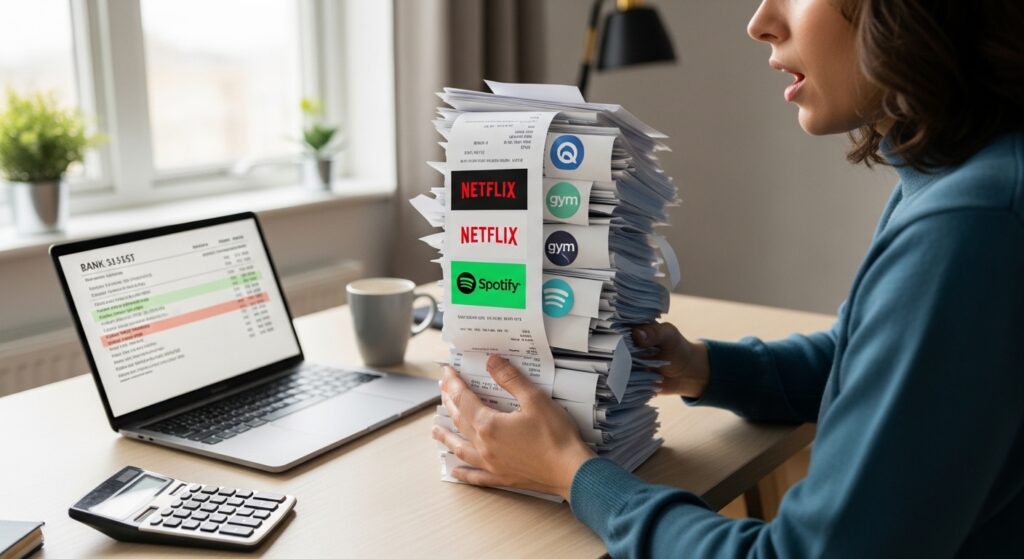
Subscription creep is the gradual accumulation of recurring monthly or annual payments that you forget about, rarely use, or no longer need. Unlike one-time purchases, these charges happen automatically – making them easy to ignore until they’ve drained thousands from your account.
The Alarming Stats:
- The average person has 12.7 active subscriptions but only uses 5.3 regularly
- 68% of consumers have at least one subscription they forgot they’re paying for
- Americans waste $1,236/year on unused subscriptions (UK: £892/year)
- Free trials convert to paid subscriptions 73% of the time because people forget to cancel
Why does this happen?
- Auto-renewal: Companies make it frictionless to start, difficult to stop
- Small amounts: $9.99 here, $12.99 there – individually they seem harmless
- Out of sight: Buried in bank statements, rarely reviewed
- FOMO: “What if I need it later?” keeps us subscribed
The result? You’re probably paying for services you don’t use right now. Let’s fix that.

Alt Text: Subscription creep infographic showing average monthly costs and unused subscriptions in USA and UK 2026
The Real Cost: How Subscriptions Are Silently Draining Your Account <a name=”real-cost-subscriptions”
Let’s break down where your money is actually going. The average household in 2026 has these recurring charges:
| Subscription Category | Average Monthly Cost | Annual Cost | Usage Rate |
|---|---|---|---|
| Streaming Services (Netflix, Hulu, Disney+, etc.) | $45-60 | $540-720 | Use 1-2 of 5+ services |
| Gym Memberships | $30-50 | $360-600 | Attend 2x/month or less |
| Software & Apps (Adobe, Microsoft, productivity tools) | $20-40 | $240-480 | Forgotten or rarely used |
| Box Subscriptions (Meal kits, beauty boxes, snacks) | $25-45 | $300-540 | Skip most months |
| News & Magazines | $15-25 | $180-300 | Read <20% of content |
| Cloud Storage (iCloud, Google One, Dropbox) | $10-15 | $120-180 | Using <30% of space |
| Gaming Subscriptions (Xbox Game Pass, PS Plus, etc.) | $10-15 | $120-180 | Play occasionally |
| TOTAL | $155-250/month | $1,860-3,000/year | Massive waste |
But wait – it gets worse.
When you add forgotten free trials that converted, annual renewals you didn’t notice, and price increases you weren’t told about, the real average jumps to $300/month or $3,600/year.
That’s:
- A round-trip flight to Europe ✈️
- 6 months of emergency fund savings 💰
- $300/month toward debt payoff 💳
- A new laptop or smartphone 💻
The opportunity cost? If you invested that $3,600/year at 7% return for 10 years, you’d have $50,000+.
The 7 Types of Subscription Traps in 2026 <a name=”7-subscription-traps”
Before you cancel unused subscriptions, you need to know what you’re looking for. Here are the most common traps:
1. The Free Trial Trap 🎁
What happens: You sign up for a “7-day free trial” to test a service. You forget to cancel. Day 8: you’re charged for a full month (or year).
Common culprits: Streaming services, software tools, meal kit deliveries
How to spot it: Check your email for “trial started” messages from 1-2 weeks ago
2. The Bundle Confusion 📦
What happens: You subscribe to a bundle (like Amazon Prime, Apple One, or Microsoft 365 Family) thinking everything is included. Later, you subscribe to individual services that are already in the bundle.
Common culprits: Amazon Prime Video + separate Netflix, iCloud + Google Drive
How to spot it: Review what’s actually included in your bundles
3. The Price Increase Sneak 💸
What happens: You signed up for $9.99/month. Six months later, it’s $14.99 – but nobody told you. The charge just appeared on your statement.
Common culprits: Streaming services, SaaS platforms, insurance
How to spot it: Compare current charges to what you originally signed up for
4. The Gym Ghost 🏋️
What happens: You join a gym with good intentions. You go 3 times in the first month, then never again. But the $40/month keeps auto-debiting.
Common culprits: Gym memberships, yoga studios, ClassPass
How to spot it: Check your last gym visit date. If it’s >30 days ago, you’re wasting money
5. The Streaming Pile-Up 📺
What happens: Netflix wasn’t enough. Then came Hulu, Disney+, HBO Max, Peacock, Paramount+. Now you pay $75/month but only watch one service regularly.
Common culprits: All streaming platforms
How to spot it: List every streaming service. How many did you actually use last month?
6. The App Zombie 📱
What happens: You download a fitness app, meditation app, or language learning app. Pay $9.99/month for premium features. Use it once. Forget about it.
Common culprits: Calm, Headspace, Duolingo Plus, fitness apps
How to spot it: Check your phone’s subscription settings (iOS: Settings > [Your Name] > Subscriptions)
7. The Annual Renewal Surprise 📅
What happens: You sign up for an annual plan to “save money.” 12 months later, it auto-renews without warning. You didn’t use it much, but now you’re locked in for another year.
Common culprits: Software licenses, magazine subscriptions, domain names
How to spot it: Mark renewal dates on your calendar 30 days in advance
The 10-Minute Subscription Audit: Step-by-Step Guide <a name=”10-minute-audit”
Ready to cancel unused subscriptions? Follow this exact process:
Minute 1-2: Download Your Bank/Credit Card Statements
- Log into your online banking
- Download statements for the last 90 days (PDF or CSV)
- Do this for all accounts: checking, savings, credit cards, PayPal
Pro tip: If you use multiple payment methods, check each one. Subscriptions hide everywhere.
Minute 3-4: Search for Keywords
Use Ctrl+F (or Cmd+F on Mac) to search for:
- “Subscription”
- “Monthly”
- “Recurring”
- “Auto”
- “Premium”
- “Membership”
- “Trial”
Also look for common company names:
- Netflix, Hulu, Disney+, HBO
- Spotify, Apple Music
- Amazon, Prime
- Gym names
- Software companies (Adobe, Microsoft, etc.)
Minute 5-6: Create Your Subscription List
Make a simple spreadsheet or list:
| Service | Monthly Cost | Last Used | Still Need? |
|---|---|---|---|
| Netflix | $15.99 | Yesterday | ✅ Yes |
| Hulu | $7.99 | 3 months ago | ❌ No |
| Gym Membership | $40 | 6 months ago | ❌ No |
| Calm App | $9.99 | Never | ❌ No |
Minute 7-8: Categorize Each Subscription
Mark each as:
- Use Weekly – Keep it
- Use Monthly – Consider downgrading or sharing
- Never Use – Cancel immediately
- Forgot About – Research what it is, then decide
Minute 9-10: Calculate Total Waste & Prioritize
Add up all the “Never Use” and “Forgot About” subscriptions.
Example:
- Hulu: $7.99/month = $95.88/year
- Gym: $40/month = $480/year
- Calm: $9.99/month = $119.88/year
- Total waste: $695.76/year
Prioritize cancellations:
- Highest cost first
- Easiest to cancel first (quick wins build momentum)
Total time: 10 minutes ⏱️
How to Cancel Subscriptions (Without the Hassle) <a name=”cancel-subscriptions-guide”
Not all cancellations are created equal. Here’s how to handle each type:
🟢 Easy Cancellations (2-Click Online)
These services let you cancel instantly online:
- Netflix: Account > Cancel Membership
- Spotify: Account > Your Plan > Cancel Premium
- Hulu: Account > Cancel Subscription
- Disney+: Account > Cancel Subscription
- Amazon Prime: Memberships > End Membership
Process: Log in > Account Settings > Find “Cancel” > Confirm
🟡 Medium Difficulty (Requires Navigation)
These require some digging:
- Apple Services: Settings > [Your Name] > Subscriptions > Select > Cancel
- Google Services: Play Store > Profile > Payments > Subscriptions
- Adobe: Account > Manage Plan > Cancel
- Microsoft 365: Services & Subscriptions > Cancel
Process: May require 3-4 clicks through menus
🔴 Hard Cancellations (Phone Call Required)
These companies make it deliberately difficult:
- Gym memberships (Planet Fitness, LA Fitness, etc.)
- Newspaper subscriptions
- Cable/Internet bundles
- Some insurance policies
Script for difficult cancellations:
“Hi, I’d like to cancel my membership effective immediately. My account number is [X]. I understand there may be a cancellation fee, but I need to proceed. Can you confirm the cancellation date and send me written confirmation via email?”
If they resist:
- Stay calm but firm: “I understand, but I need to cancel today.”
- Ask for retention offers: Sometimes they’ll waive fees to keep you
- Request confirmation number: Always get proof
- Follow up in writing: Email or certified mail
⚫ Last Resort: Chargeback
If a company refuses to cancel or continues charging after cancellation:
- Document everything: Screenshots, emails, call recordings
- Contact your bank: Dispute the charge as “unauthorized”
- File a complaint:
- USA: CFPB
- UK: Financial Ombudsman
Warning: Use chargebacks sparingly. Too many can get your account closed.
Best Tools to Track & Cancel Subscriptions Automatically <a name=”tools-cancel-subscriptions”
Stop manually checking! Use these apps to cancel unused subscriptions automatically:
For USA:
- Rocket Money (formerly Truebill) ⭐⭐⭐⭐⭐
- What it does: Scans accounts, identifies subscriptions, cancels for you
- Success rate: 82% cancellation success
- Cost: Free version; Premium $3-12/month (they take 30-60% of savings)
- Best for: People who want hands-off cancellation
- Visit Rocket Money
- Trim
- What it does: Finds subscriptions, negotiates bills, cancels unwanted services
- Cost: Free (they take 33% of savings)
- Best for: Bill negotiation + subscription cancellation
- Mint
- What it does: Tracks all expenses, flags recurring charges
- Cost: Free
- Best for: Budget tracking + subscription awareness
For UK:
- Emma ⭐⭐⭐⭐⭐
- What it does: Identifies subscriptions, helps cancel, tracks spending
- Cost: Free; Pro £3.99/month
- Best for: UK-specific subscription management
- Visit Emma
- Plum
- What it does: Auto-saves money, tracks subscriptions
- Cost: Free basic version
- Best for: Saving + subscription tracking
- DoNotPay
- What it does: “Robot lawyer” that cancels subscriptions for you
- Cost: $36/year
- Best for: Difficult cancellations (gyms, trials)
Free Option: Google Sheets Template
Download our free Subscription Audit Template:
- Automatic cost calculator
- Renewal date reminders
- Cancellation checklist
[Internal Link: Download Free Subscription Audit Template]
Set Up Alerts:
Configure these notifications:
- ✓ Any new recurring charge >$5/£5
- ✓ Annual renewal reminders (30 days before)
- ✓ Free trial ending (3 days before)
Real Stories: How People Saved $1,000+ by Canceling Subscriptions <a name=”real-stories-savings”
Don’t just take our word for it. Here’s what’s happening in the real world:
Case Study 1: Marcus, 24, Chicago
Problem: Recent college grad drowning in subscription debt Audit result: Found 17 active subscriptions, used only 6 Canceled: 3 streaming services, 2 gym memberships, 4 app subscriptions, 2 box deliveries Savings: $1,847/year
“I didn’t realize I was paying for TWO gyms. Once I canceled everything I wasn’t using, I finally started my emergency fund.”
Case Study 2: Priya, 29, London
Problem: Working professional with “convenience” subscriptions everywhere Audit result: £73/month on forgotten trials and auto-renewals Canceled: Meal kit delivery, beauty box, 2 streaming services, cloud storage upgrade Savings: £623/year
“The meal kit was £35/month and I skipped 4 out of 5 deliveries. Canceling felt like getting a raise.”
Case Study 3: David & Sarah, 32 & 31, Austin
Problem: Couple with duplicate subscriptions (each had their own Netflix, Spotify, etc.) Audit result: $127/month in duplicate charges Canceled: Duplicates, switched to family plans Savings: $1,044/year
“We were paying for Netflix twice! Once we consolidated, we saved over $1,000. Now we have a monthly ‘subscription review’ date.”
The Data
A 2025 survey by Bankrate found that individuals who conducted a subscription audit saved an average of $1,236/year – with 43% saving over $2,000.
External Link: Bankrate Subscription Survey 2025
The “Subscription Budget” Strategy: How to Keep Only What You Use <a name=”subscription-budget-strategy”
Once you cancel unused subscriptions, prevent creep from returning:
1. Set a Monthly Subscription Limit
Decide on a realistic cap:
- Single person: $50-75/month (£40-60)
- Couple: $100-150/month (£80-120)
- Family: $150-200/month (£120-160)
Track it: Use a budgeting app or spreadsheet
2. The “One In, One Out” Rule
Want to add a new subscription? Cancel an existing one first.
Example:
- Want HBO Max? Cancel Hulu
- Want ClassPass? Cancel gym membership
This forces intentional choices.
3. Annual Subscription Review
Set a calendar reminder:
- When: January 1st (or your birthday)
- Duration: 30 minutes
- Task: Review all active subscriptions
- Action: Cancel anything unused in the last 90 days
4. Use the 30-Day Rule
Before starting ANY new subscription:
- Wait 30 days
- Ask: “Will I still want this in a month?”
- If yes, subscribe. If no, you saved money
Why it works: Impulse subscriptions drop by 67%
5. Share Family Plans
Instead of individual accounts:
- Netflix Family Plan: $22.99/month for 4 people = $5.75 each
- Spotify Family: $16.99/month for 6 people = $2.83 each
- Amazon Prime Family: Share with household
Savings: 60-75% vs. individual plans
Frequently Asked Questions <a name=”faq-subscriptions”
Q: Can I get refunds for forgotten subscriptions?
A: Sometimes. If you:
- Didn’t use the service after auto-renewal
- Forgot to cancel a free trial within 24-48 hours
- Were charged after requesting cancellation
Contact customer service and request a refund. Success rate: 40-60%. Mention you’re considering switching to a competitor.
Q: Will canceling subscriptions affect my credit score?
A: No. Subscription payments are not reported to credit bureaus. Canceling won’t hurt your score. However, if you have an unpaid balance that goes to collections, that WILL hurt your score.
Q: How do I avoid free trial traps?
A:
- Set a calendar reminder 3 days before trial ends
- Use virtual credit cards (Privacy.com, Revolut) with spending limits
- Cancel immediately after signing up – many services let you keep access until trial ends
- Use DoNotPay’s free trial card (creates fake card details that decline after trial)
Q: What if a company makes cancellation impossible?
A:
- Document everything: Screenshots, emails, call logs
- Send a certified letter requesting cancellation (legal proof)
- File a complaint: CFPB (USA) or Financial Ombudsman (UK)
- Dispute the charge with your bank as last resort
Q: Should I keep annual subscriptions or switch to monthly?
A: Keep annual if:
- You use it daily/weekly
- It saves >20% vs. monthly
- You’re 100% sure you’ll use it all year
Switch to monthly if:
- You use it occasionally
- You’re unsure about long-term need
- The savings is <15%
Q: How often should I audit my subscriptions?
A:
- Minimum: Once per year
- Recommended: Every 6 months
- Optimal: Every quarter (15 minutes each time)
Set recurring calendar reminders.
Your Action Plan: Cancel 5 Subscriptions Today <a name=”action-plan”
Ready to take action? Here’s your roadmap:
✅ Today (10 minutes):
- Download last 90 days of bank statements
- Search for “subscription,” “monthly,” “recurring”
- List every recurring charge
- Identify 3 subscriptions to cancel immediately
✅ This Week (30 minutes):
- Cancel the 3 easiest subscriptions online
- Call to cancel 1 difficult subscription (gym, etc.)
- Set up a tracking app (Rocket Money, Emma, etc.)
✅ This Month (15 minutes):
- Review remaining subscriptions
- Downgrade unused premium features
- Set calendar reminders for renewal dates
- Establish your subscription budget limit
✅ This Year:
- Save $3,000-5,000 by canceling unused subscriptions
- Build emergency fund with savings
- Invest the difference
- Never pay for something you don’t use again
🎯 Conclusion: Your Money, Your Choice
Subscription creep isn’t just about wasted money – it’s about lost freedom. Every $10/month you waste on unused services is $120/year that could be:
- Building your emergency fund
- Paying off debt
- Investing for retirement
- Funding your dream vacation
By learning to cancel unused subscriptions, you’re not just saving money. You’re taking control of your financial life.
The average person saves $3,600/year by doing this audit. That’s not pocket change – that’s life-changing money.
So what are you waiting for? Open your banking app. Do the 10-minute audit. Cancel what you don’t use.
Your future self will thank you.
📢 Share Your Story!
How much did you save by canceling unused subscriptions? Share your experience in the comments below or tag us on social media with #CancelSubscriptions2026. We feature the best money-saving stories every month – and the person who saved the most gets a $75/£50 Amazon voucher!
Disclaimer: This article is for educational purposes only and does not constitute financial advice. Individual results may vary. Always review terms and conditions before canceling subscriptions. Some services may have cancellation fees.